
Next-Level AI-Powered PDF Editor UPDF

About UPDF

PDF Editing and Digital Document Solutions

UPDF is a software independently developed by SuperAce (HongKong) Software Technology Co., Ltd. The tool software developed by the company has the functions of Reading, Editing, OCR, Conversion, Annotation, Page Management. Powerful office document processing functions such as document protection and online sharing.

UPDF supports Android/IOS/Windows/Mac multi-platform and support corporate extranet & LAN deployment, and provide information authentication management for enterprises. Enterprise license provide convenient, safe, efficient, cross-platform. PDF document editing and Digital document management solutions

Core Features

Product Features

Eyes-Friendly PDF Reader

Edit Text in PDF

OCR Text in PDF

Core Features PDF Cloud

Seamless PDF File Accessibility across Different Devices

Easily view PDF documents from any device anytime and anywhere. Regardless of your location and device, access all documents across UPDF Cloud with ease.
View PDF wherever, Whenever

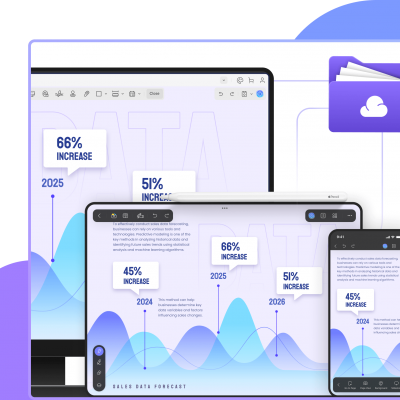
Sync and access the same PDF from Windows, Mac, iOS, and Android

Large Cloud Storage

From 2 GB to 100GB. Upgrade to get exclusive access to large cloud storage.

Real-Time PDF Synchronization across Different Platforms

Sync PDF files between platforms directly from UPDF Cloud, ensuring productivity and flexibility in your work routine.

Review Update at any location

On making changes across a document, view all changes across other devices

Manage Document Conveniently

Rename, star, download, delete PDF files easily in UPDF Cloud.

High-Profile Encryption for Document Security

UPDF Cloud comes with first-class document protection techniques for making work safer and more secure.

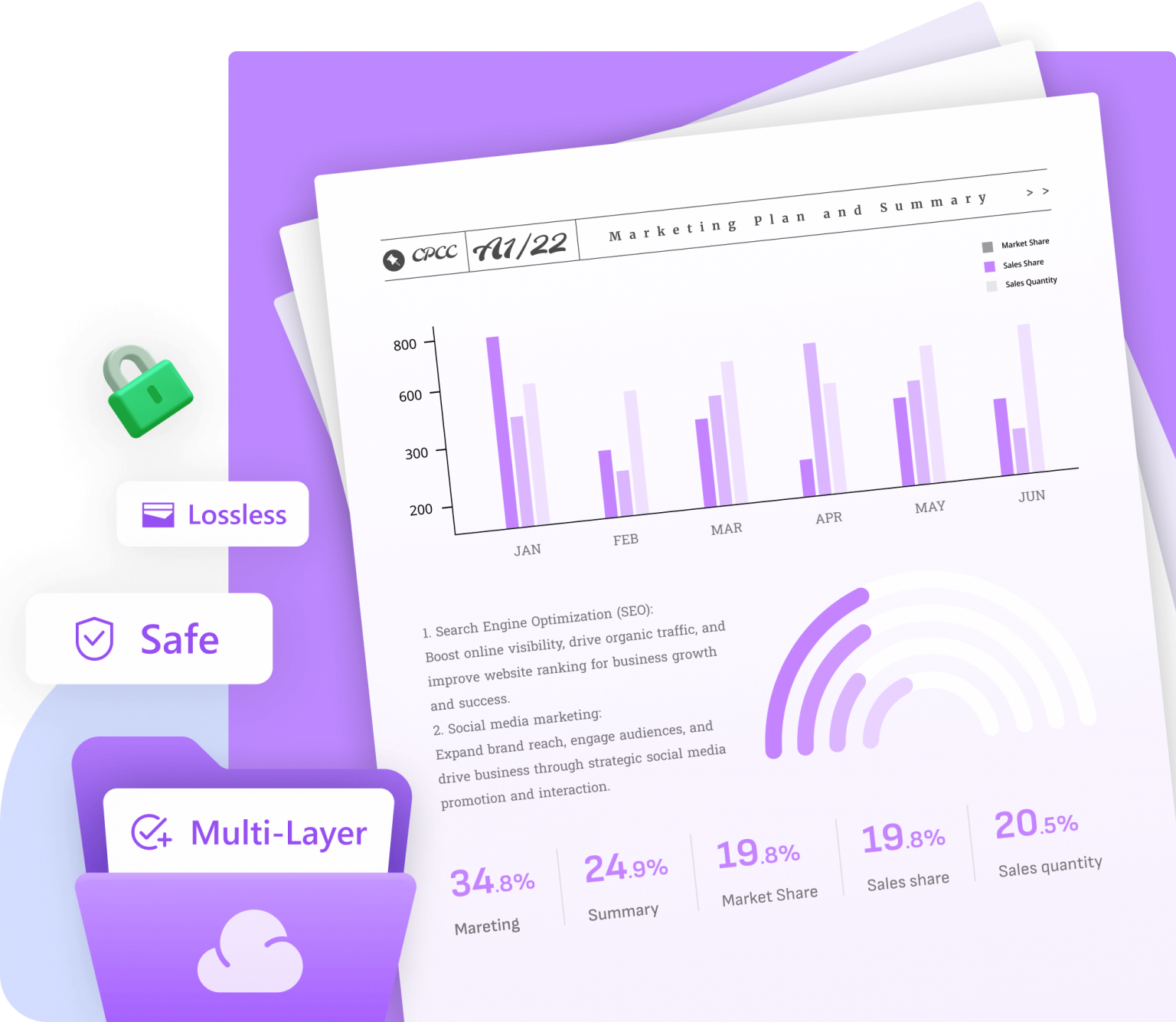
Multi Layer Encryption

Protect your documents with multi-layer encryption technology.

Safe & Lossless File Storage

Distributed storage splits data across multiple physical servers by syncing all statistics to prevent data loss.

Secure File Accessibility

Document owners and authorized users are allowed to access these files.

Make File Sharing Easier and More Convenient

UPDF Cloud comes with first-class document protection techniques for making work safer and more secure.

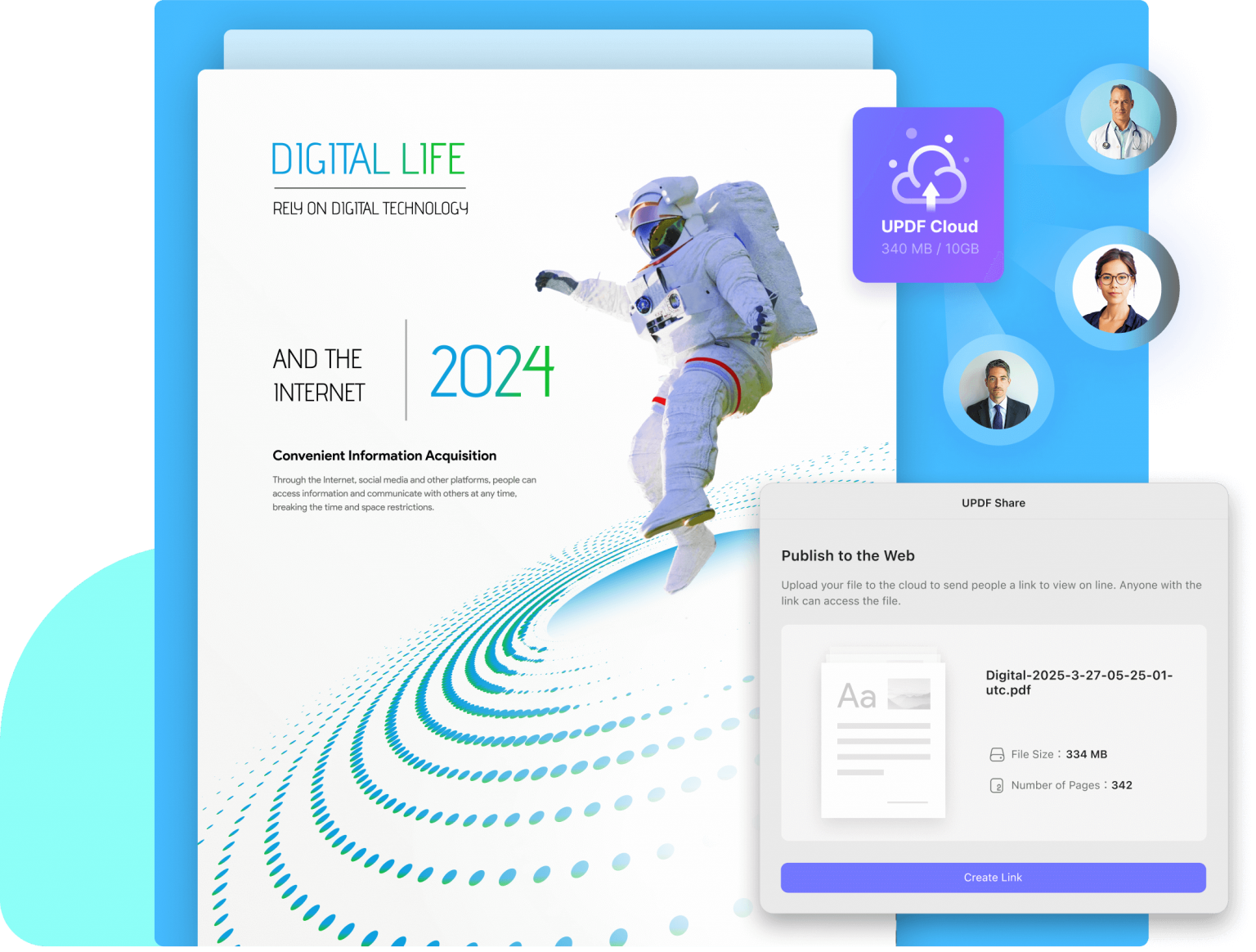
Share PDF via Link

Share PDF documents with your team and clients across platforms and devices through a link or email.

Customize Sharing Permisiion

Set permissions and the expiration time for the shared link as protective measures.

More Features

Compress PDF

Reduce a file to a similar size.


Flatten PDF

Make your PDF a single layered document from protecting content apart from the text

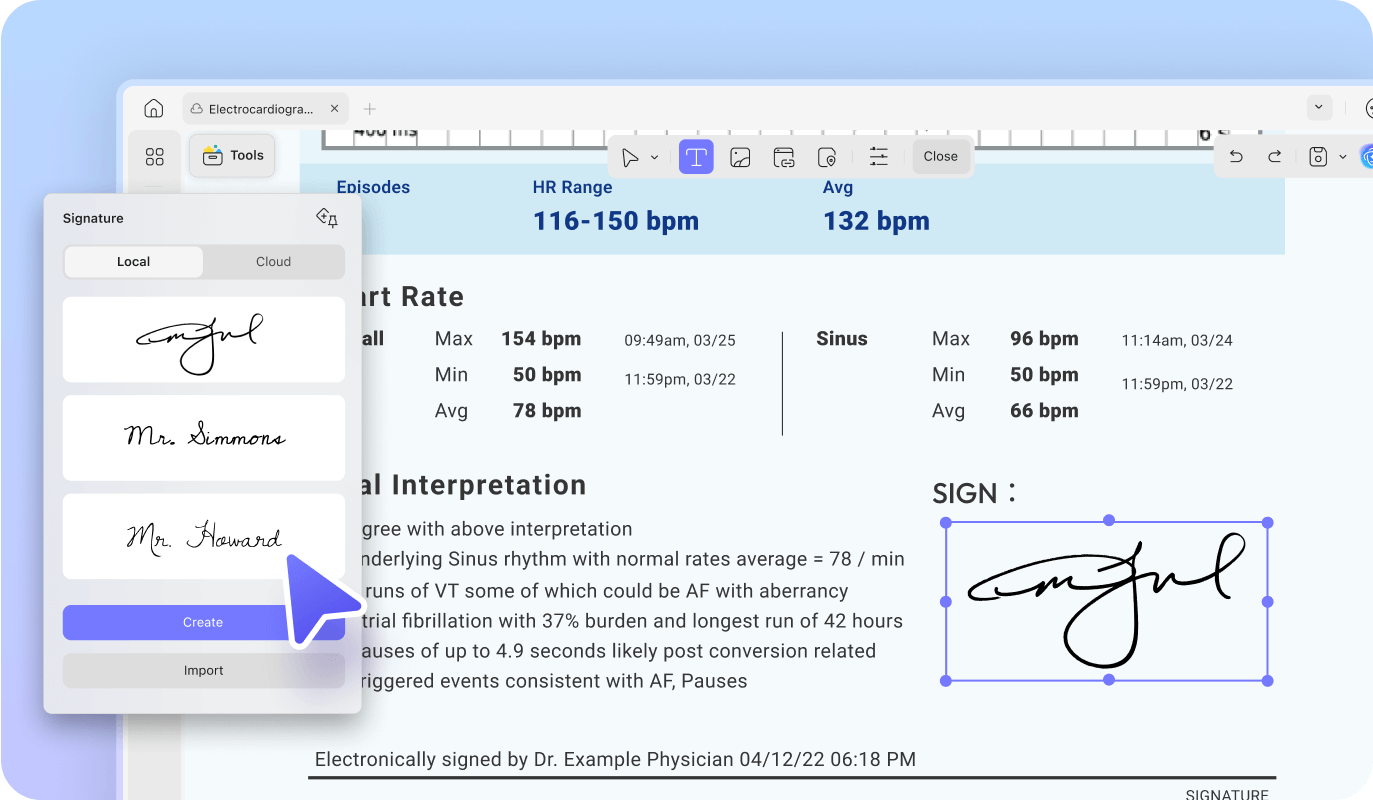
Sign PDF

Design handwritten signatures of your choice for electronic means.

Protect PDF

Use open or permission password to set restrictions on PDF’s

Header & Footer

Use header & footer in your PDF to define the base of the document.

Watermark

Include watermark in PDF files for diplaying ownership

Backgrounds

Feature your PDF document with customized backgrounds.

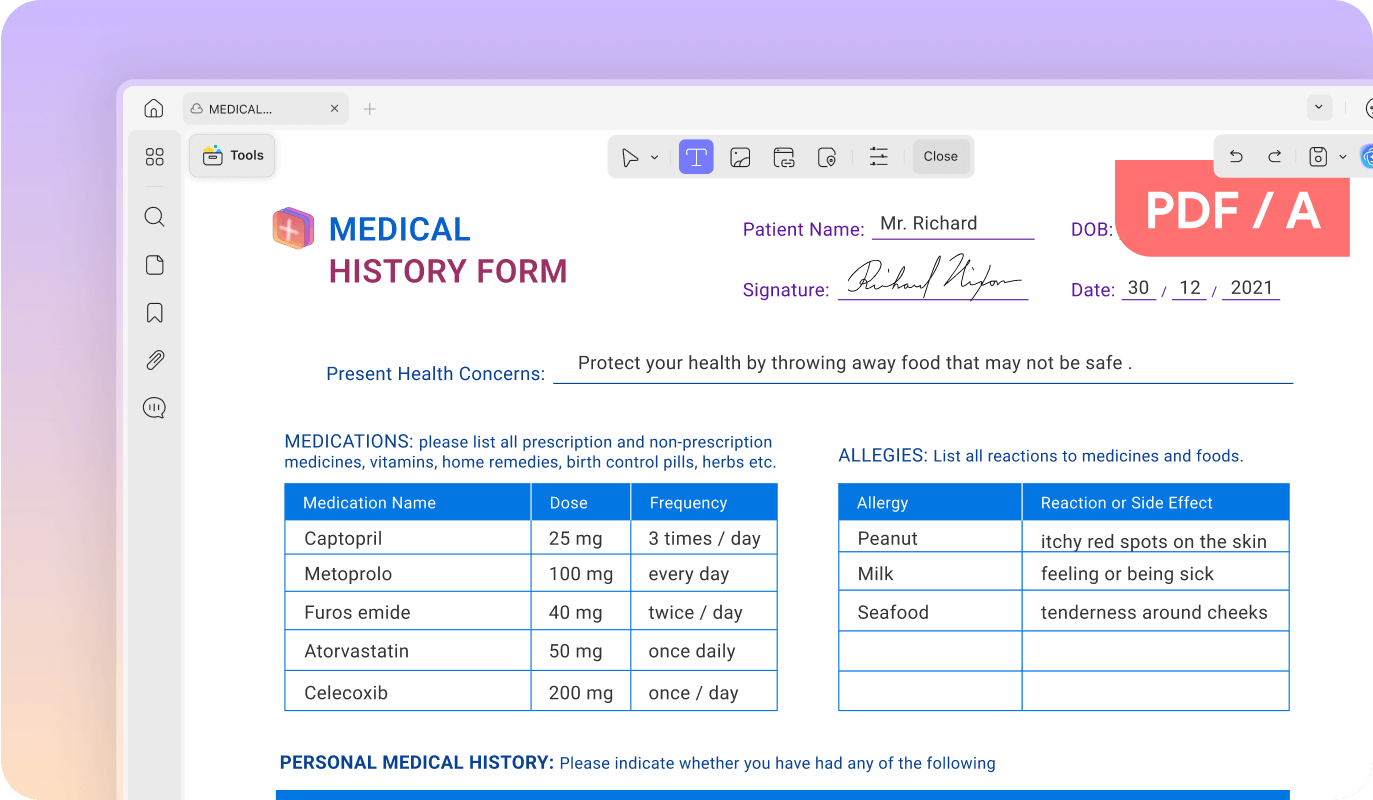
PDF/A

Archive your PDF file to perfection by converting your files to PDF/A to sustain them.

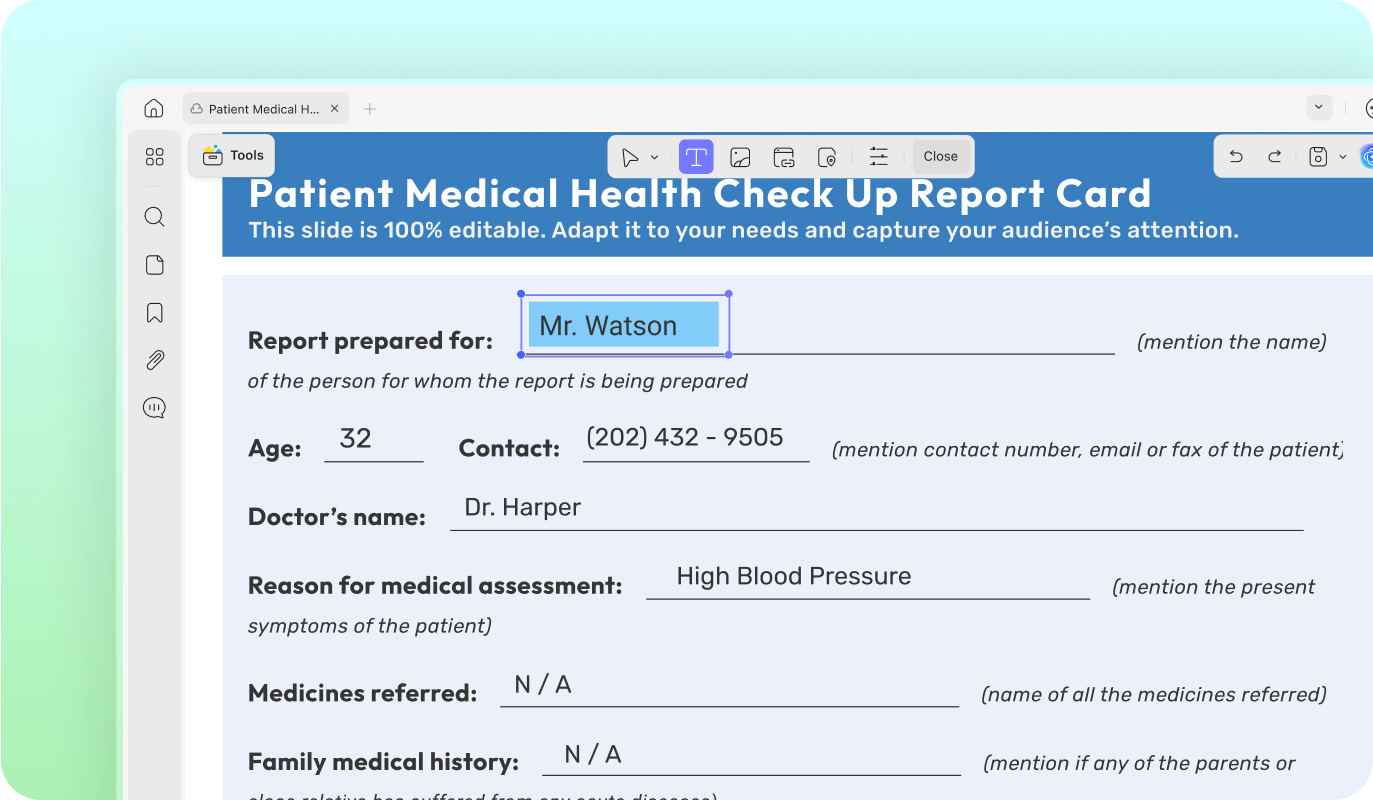
Fill Out PDF Forms

Fill PDF form intuitive form-field highlights.

Combine Files

Combine and maintain multiple PDF files of different image formating into a single PDF document with sustaining their quality

Batch Insert

Now you can add a single PDF document into multiple PDF files collectively without compromising the quality of the file

Comparison Between Adobe Acrobat & UPDF

System & FeaturesAdobe Acrobat Standard DCAdobe Acrobat Pro DCUPDF
Work on SystemWindows OnlyWindows, Mac, Android, & IOSWindows, Mac, Android, & IOS
Read PDF
Open & read PDFs✔️✔️✔️
Add & manage bookmarks✔️✔️✔️
Search text PDFs✔️✔️✔️
Display a PDF as a slideshowXX✔️
Annotate PDF
Highlight/Strikethrough/Underline✔️✔️✔️
Text comment/ Text box/ Text callout/ Sticky note✔️✔️✔️
Shapes/ Pencils/ Stamp/ Signature✔️✔️✔️
Manage the annotation list✔️✔️✔️
Squiggly line✔️✔️✔️
StickersXX✔️
Edit PDF
Add text to PDFs✔️✔️✔️
Edit existing text in PDFs✔️✔️✔️
Add, Delete, Rotate, Extract, Crop & Replace images✔️✔️✔️
Add & Edit Links, watermarks, backgrounds, header & footer✔️✔️✔️
Add rich text by dragging & dropingXX✔️
OCR
Turn scanned document into searchable and editable PDFsXX✔️
Convert PDF
Convert PDF to Word, Excel, PPT, Text, RTF, HTML, XML & Images (PNG, JPEG, TIFF)✔️✔️✔️
Save PDF as PDF/AX✔️✔️
Convert PDF to CSV XX✔️
Convert PDF to BMPXX✔️
Convert PDF to GIFXX✔️
Organize PDF
Insert, Replace, Extract, Rotate, Split, Remove✔️✔️✔️
Crop Pages✔️✔️✔️
Encrypt & PDF
Add a password to protect PDF✔️✔️✔️
Redact sensitive informationX✔️X
Send a PDF by Emails as an attachment✔️✔️✔️
Share PDF via link✔️✔️✔️
Create PDF
Create a blank PDF✔️✔️✔️
Create a PDF from capture✔️✔️✔️
Create PDf from other file formatsX✔️X
Print PDF
Print PDFs✔️✔️✔️
Fill & Sign
Fill out forms✔️✔️✔️
Sign digitally✔️✔️X
Sign electronically✔️✔️✔️
Other Features
Optimize PDF – Reduce file size✔️✔️✔️
Combines files into one PDFX✔️✔️

UPDF Individual

$49.99/Annual Plan
  • Price Per License
  • Cost for 1 License

UPDF Individual

$79.99/Perpetual Plan
  • Price Per License
  • Cost for 1 License

UPDF Enterprises

$79.99/Annual Plan
  • Price Per License
  • Cost for 1 License

UPDF Enterprise

$129.99/Perpetual Plan
  • Price Per License
  • Cost for 1 License

UPDF Enterprise plan: (Enterprise plan have an online management portal for companies to assign and reassign licenses)

Trusted by Top 500 Companies

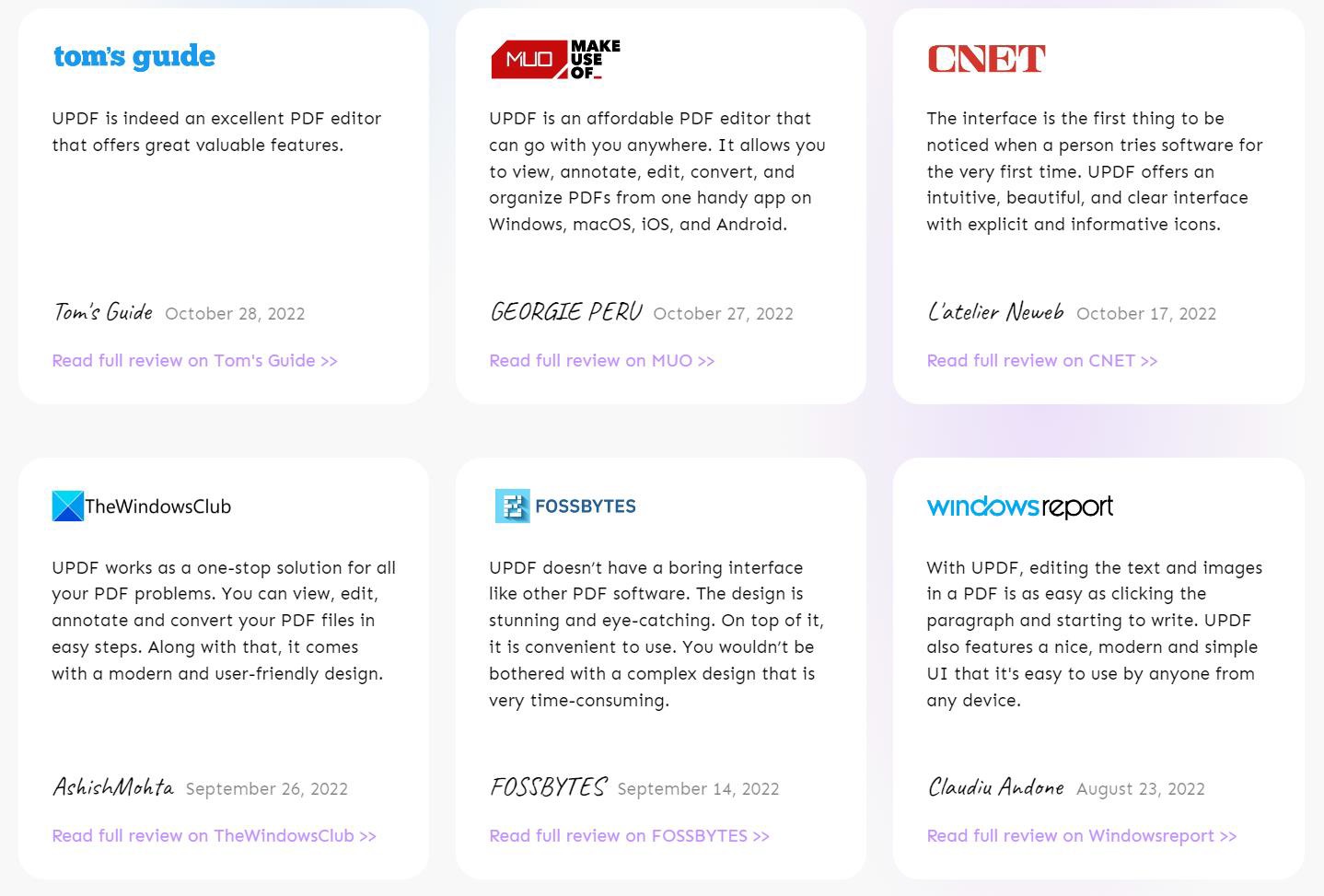
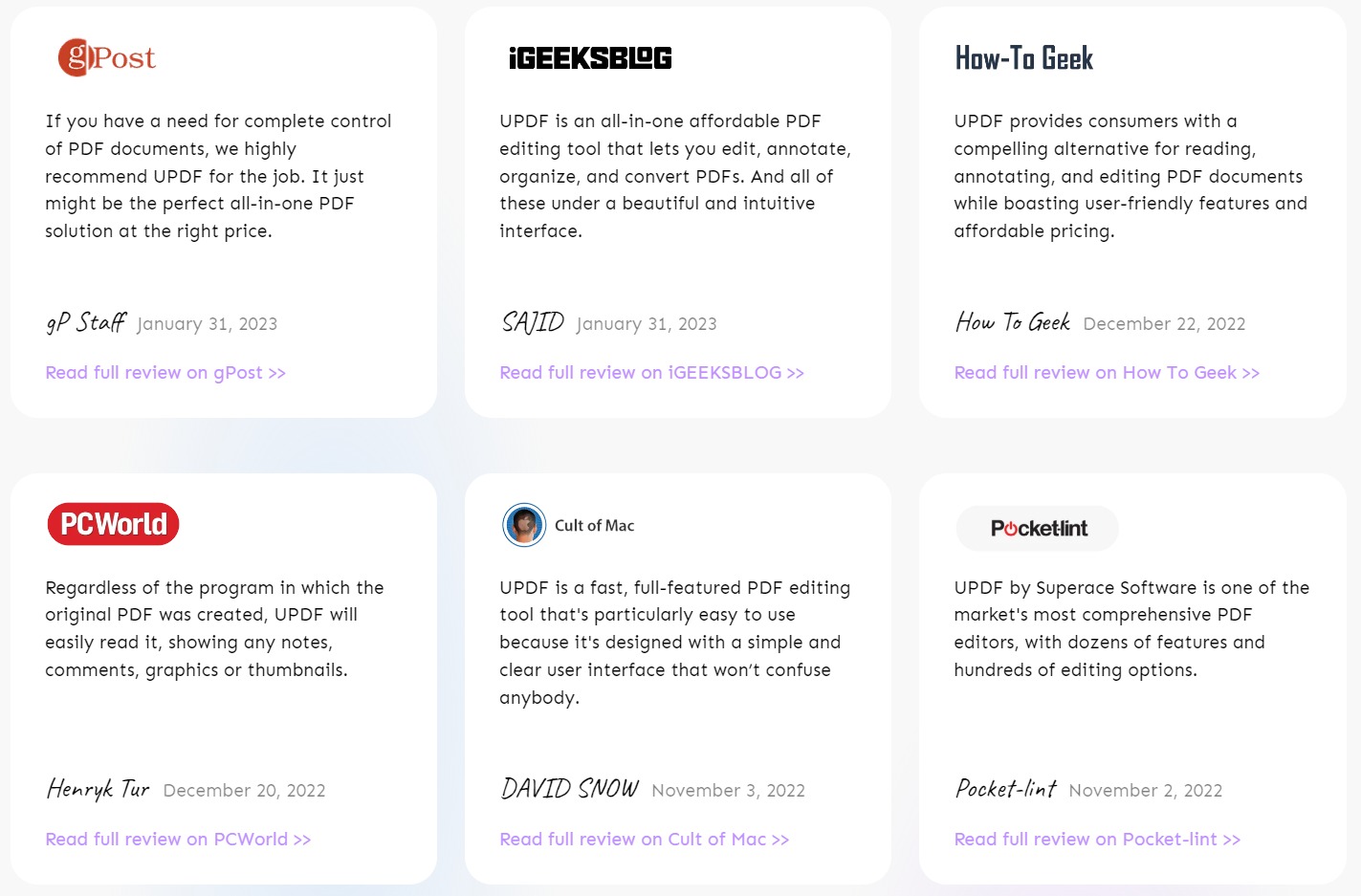
UPDF Reviews on Media Sites

UPDF Works with All Industires

NAKIVO Backup & Replication can help you reinforce your cyber resiliency strategies by enabling proactive data protection, security and data recovery.

Banking Industry

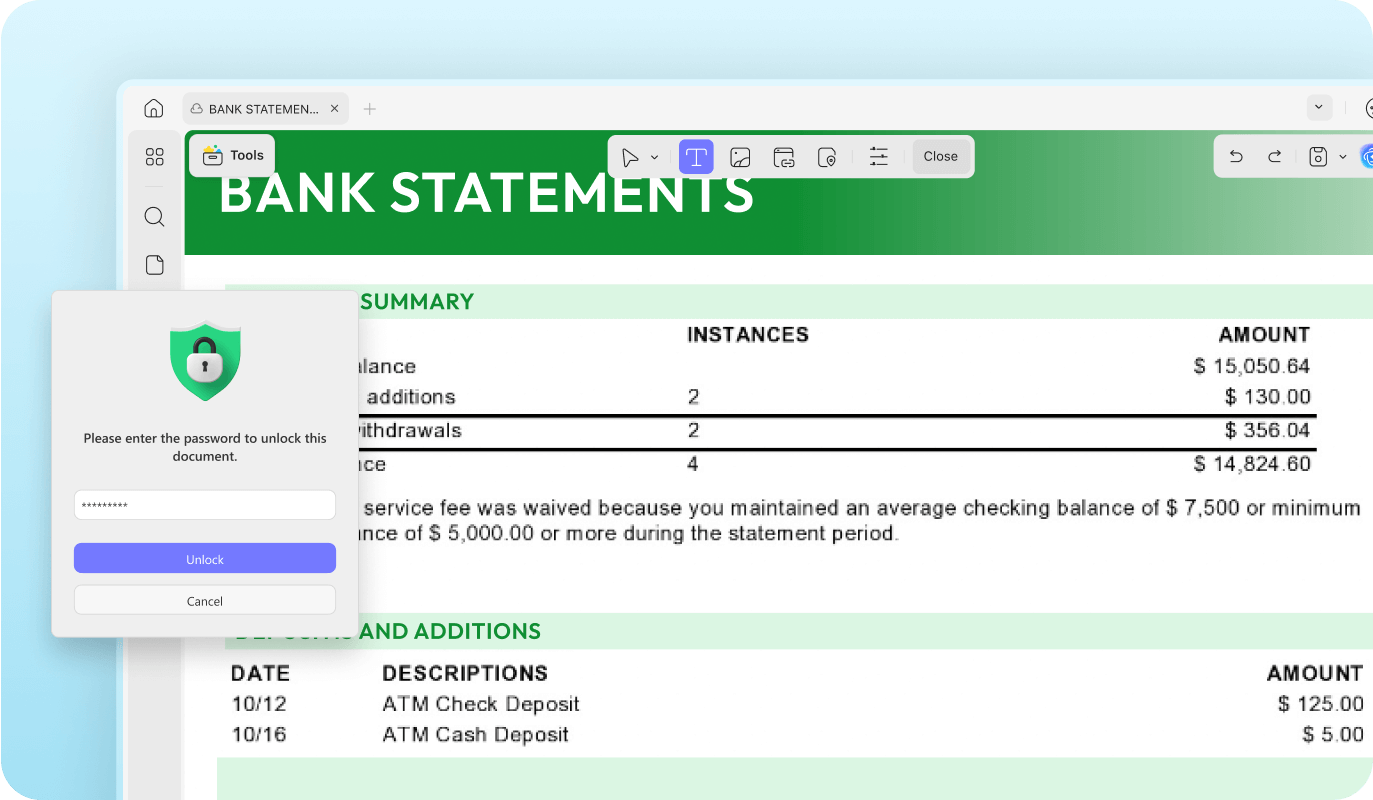
Protect Your Bank Statements with Passwords

Distribute password- protected bank statements to your customers after setting up a protective system with UPDF. Make sure all your sensitive data is protected with its strong PDF protection.


Digitalize Your Document Processing and Record Management

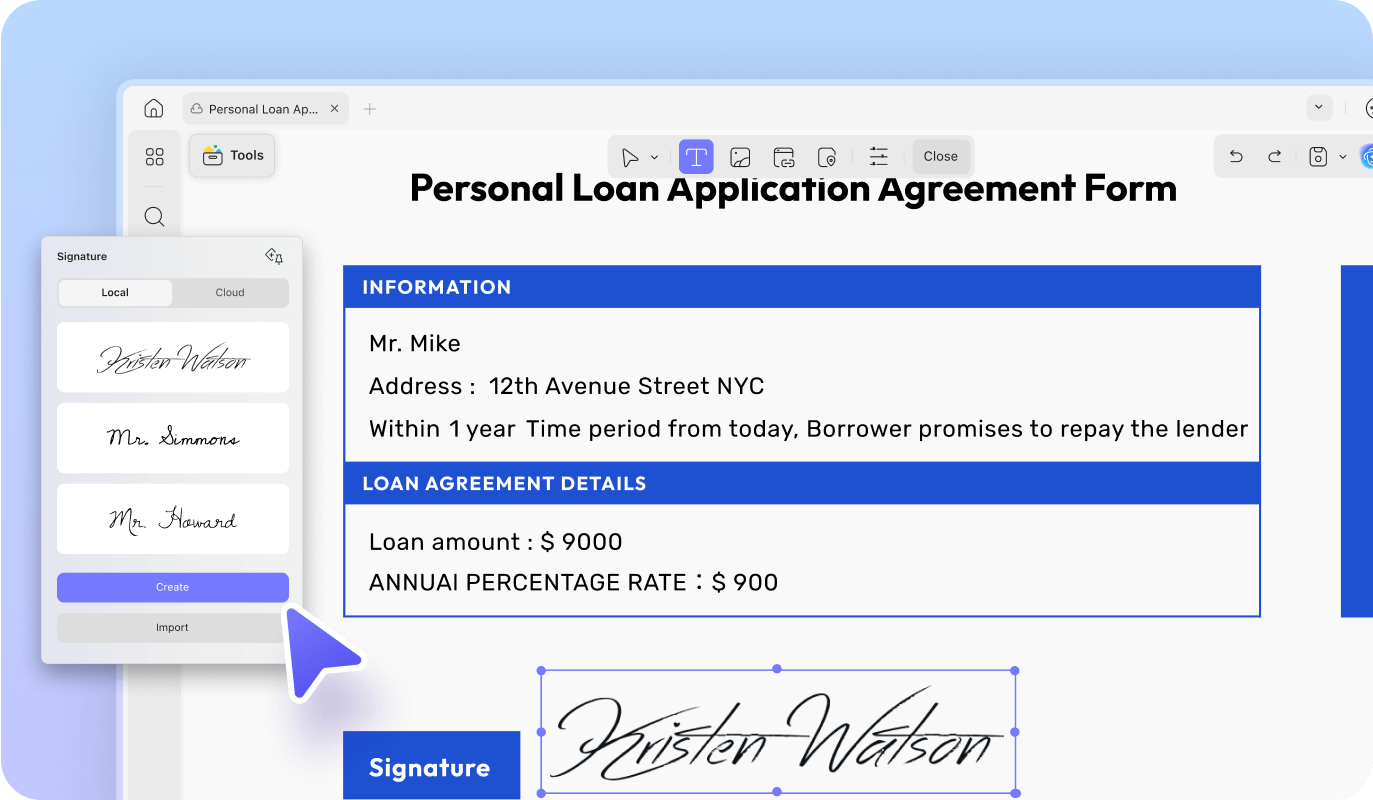
With UPDF, create a paperless system of signing contracts and applications using electronic signatures. Streamline the process of executing documents and eliminate paper records through manual techniques.

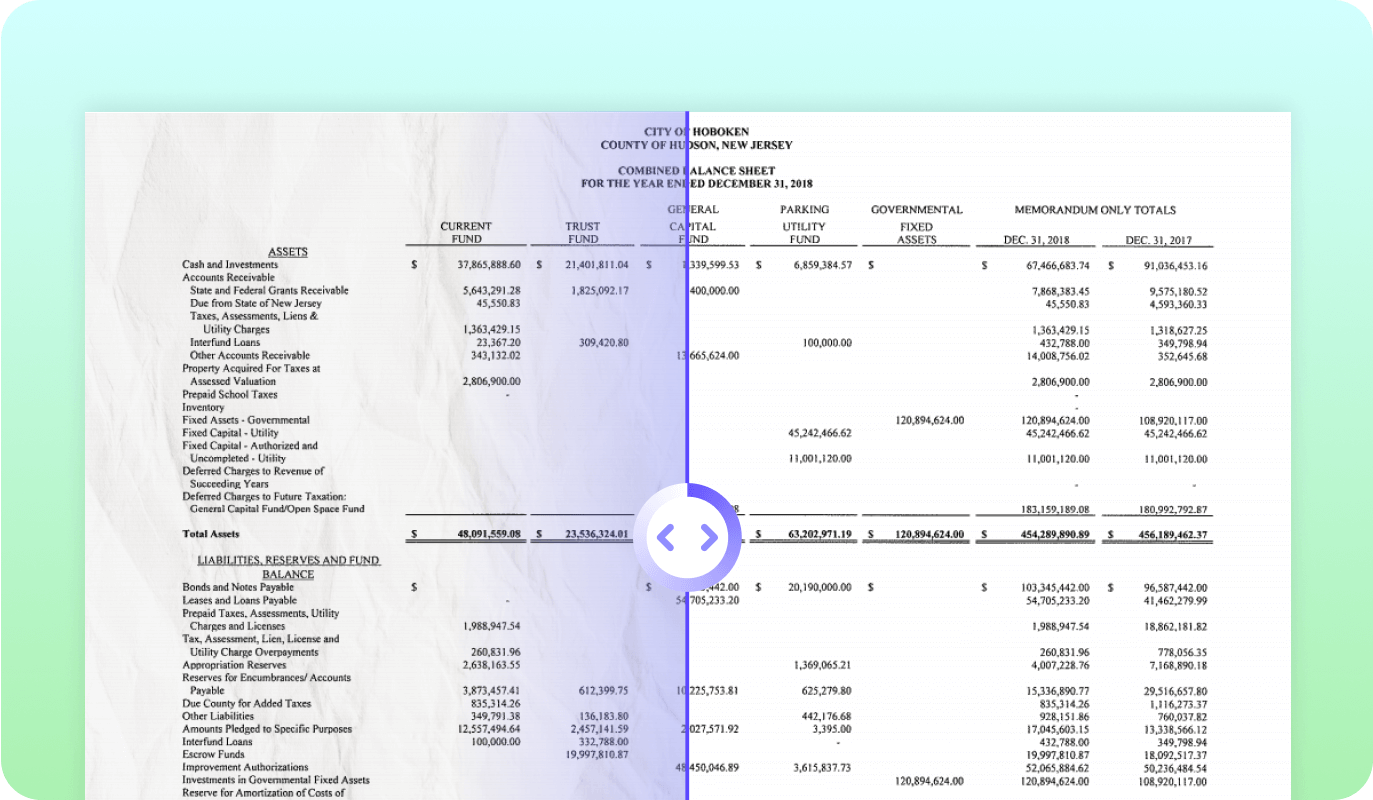
Use OCR For Converting Financial Documents to Editable Formats

Easily convert your scanned financial documents into editable formats of Excel, Word, Text, etc. Make the perfect use of the OCR technology available across UPDF.


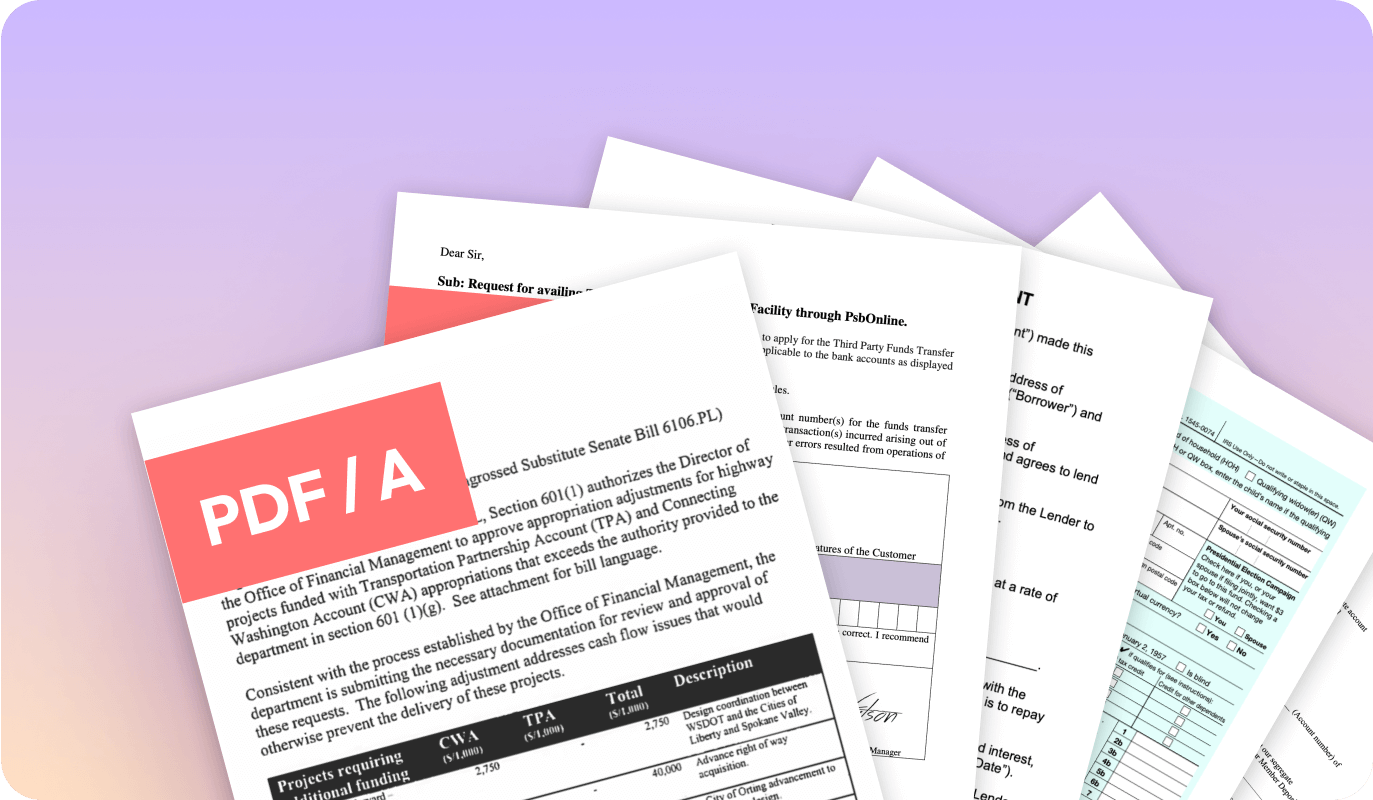
Compress and Archive Confidential Files as PDF/A

Enhance your storing and archiving facility with UPDF. Manage your storage costs by compressing and archiving your important PDF files with ISO 32000 standards such as PDF/A.


Healthcare Industry

Complete Patient Consent Forms Faster with Secure eSigning

Use the power of electronic signatures with the help of UPDF for signing medical records, consent forms, and other healthcare documents to save time and effort.


Designing Medical Documents and Reports

Edit, images, and links with UPDF to create professional healthcare documents.


Secure and Archive Documents Easily

Keep patient health records secure with password protection and archive them safely in PDF/A and PDF/X format.


Legal Industry

Searchable and Editable with OCR

Annotate, Review and Notes

The Best Reading Mode

Manufacturing Industry

Boost in ProdShare and Collaborate Onlineuctivity

E-Signature and Send Via Shareable Link

OCR Files and Save as PDF/A

Insurance Industry

Editing Features helps you create Professional Docs

E-Signature with your Insurance Docs

Archive Insurance Documents with PDF/A

Education Industry

Teacher-Student Collaboration

Convert Your Scanned Docs with OCR

Convert Your Scanned Docs with OCR

Frequently Asked Questions

  • Personal Use: If you are using an Individual Plan on UPDF, this exclusively stands appropriate in conditions where you require the tool for personal use.
  • User Limit: Individual accounts only allow a single user to utilize the services of UPDF.
  • Device Limit: Furthermore, you can log into UPDF with the same account which includes 1 desktops and 1 mobiles at the same time.

For Enterprise Plan

Enterprise Management Dashboard: A comprehensive Enterprise Management Dashboard is available for the company that manages all the licenses, members, and the company’s virtual assets, etc.

Device Limit: Furthermore, you can log into UPDF with the same account which includes 1 desktops and 1 mobiles at the same time


Unlike online tools, UPDF is a desktop software for Mac and Windows, so you don’t need to upload any file to the Internet. Your files are safe on your local storage.

UPDF provides a total of 38 languages in its OCR tool which includes, Belarusian, Chinese Simplified, Chinese Traditional, Croatian, Czech, Danish, Dutch, Dutch (Belgian), English, Finnish, French, German, German (Luxembourg), German (New Spelling), Greek, Hebrew, Irish, Italian, Japanese, Japanese (Modern), Korean, Korean (Hangul), Norwegian, Polish, Portuguese, Portuguese (Brazilian), Romanian, Russian, Russian (Old Spelling), Russian with Stress Marks, Spanish, Swedish, Thai, Turkish, Turkmen (Cyrillic), Turkmen (Latin), Ukrainian, and Vietnamese. Along with that, it also provides 4 bilingual options of Chinese Simplified and English, Chinese Traditional and English, Japanese and English, and Korean and English in its OCR tool.

Enterprise Plan you may enjoys free updates in current version. Major upgrades will be free when you purchase in one year time. We have software service insurance fees for second year so you can still get the major upgrade in 2nd year. Please contact your sales for more details

Cart

No products in the cart.